C++ SDK Overview
Develop a C++17 class library PROFINET IO Device for the application. Entry point type PnSService. Within the package include/(pns.hpp e.g., ) + lib/Darra.PnS.SDK.CPP.lib(requires linking) + bin/Core.dll(loaded at runtime). The package is located inDownload PageOr the installation directory SDK\SDK_Cpp\. In the code #include "pns.hpp", using namespace darra::pns; .
Environment
- Windows 10 / 11 x64
- C++17
- Darra Profinet Slave Installed
Integration
Static libraries are compiled /MD(dynamically CRT) /MD; they must be matched during linking. Link only Darra.PnS.SDK.CPP.lib(Core.lib not included in the package); at runtime, they must be located in bin/Core.dll PATH or in the same directory as the exe file. System libraries use winhttp / crypt32 / advapi32.
cl /MD /EHsc /std:c++17 /utf-8 /I include main.cpp /Fe:app.exe ^
   /link lib/Darra.PnS.SDK.CPP.lib winhttp.lib crypt32.lib advapi32.lib
CMake: The package provides CMakeLists.txt darra_pns_cpp targets (which automatically include the " crypt32 /" prefix winhttp), add_subdirectory followed by the package directory:
add_subdirectory(darra_pns_cpp-1.6.3-win-x64)
target_link_libraries(app PRIVATE darra_pns_cpp)
Quick Start
After "Start", map once I / Q into a struct, then keep using that variable to read and write fields. Map it once; the struct is mapped onto the process image, so when the source changes the fields change with it (the I side returns const T& read-only — the controller overwrites the whole segment every cycle; writing I throws PnSException; the Q side returns writable T&). Read / Write are snapshots, and the copied instance will not change on its own. Writing In()[i] likewise throws PnSException.
Cycle switching occurs automatically; there is no need to write your own cycle loop, and any thread can use it simultaneously.
#include "pns.hpp"
using namespace darra::pns;

#pragma pack(push, 1)
struct FromPlc     // I: Controller → Device
{
    uint8_t Present;
    uint8_t Trigger;
    int16_t Recipe;
};

struct ToPlc      // Q: Equipment → Controller
{
    uint8_t Ready;
    uint8_t Busy;
    uint8_t Ok;
    uint8_t Ng;
};
#pragma pack(pop)

int main()
{
    PnSService device;
    if (!device.Start())
        return 1;

    // Map once
    const FromPlc& inp = device.ProcessData().InputsMapping<FromPlc>();
    ToPlc& outp = device.ProcessData().OutputsMapping<ToPlc>();

    while (running)
    {
        if (!device.Connected())
            continue;
        uint8_t present = inp.Present;  // Read I: Changes on Its Own After Bus Refresh
        outp.Ready = 1;                 // Q: Write the process image directly
        (void)present;
    }

    device.Stop();
    return 0;
}
Start() Return on failure and false write LastError(); do not throw an exception. For read/write operations, throw an exception on failure IO PnSException. Start() Success does not mean the IO controller is already updating the data; see below device.Connected().
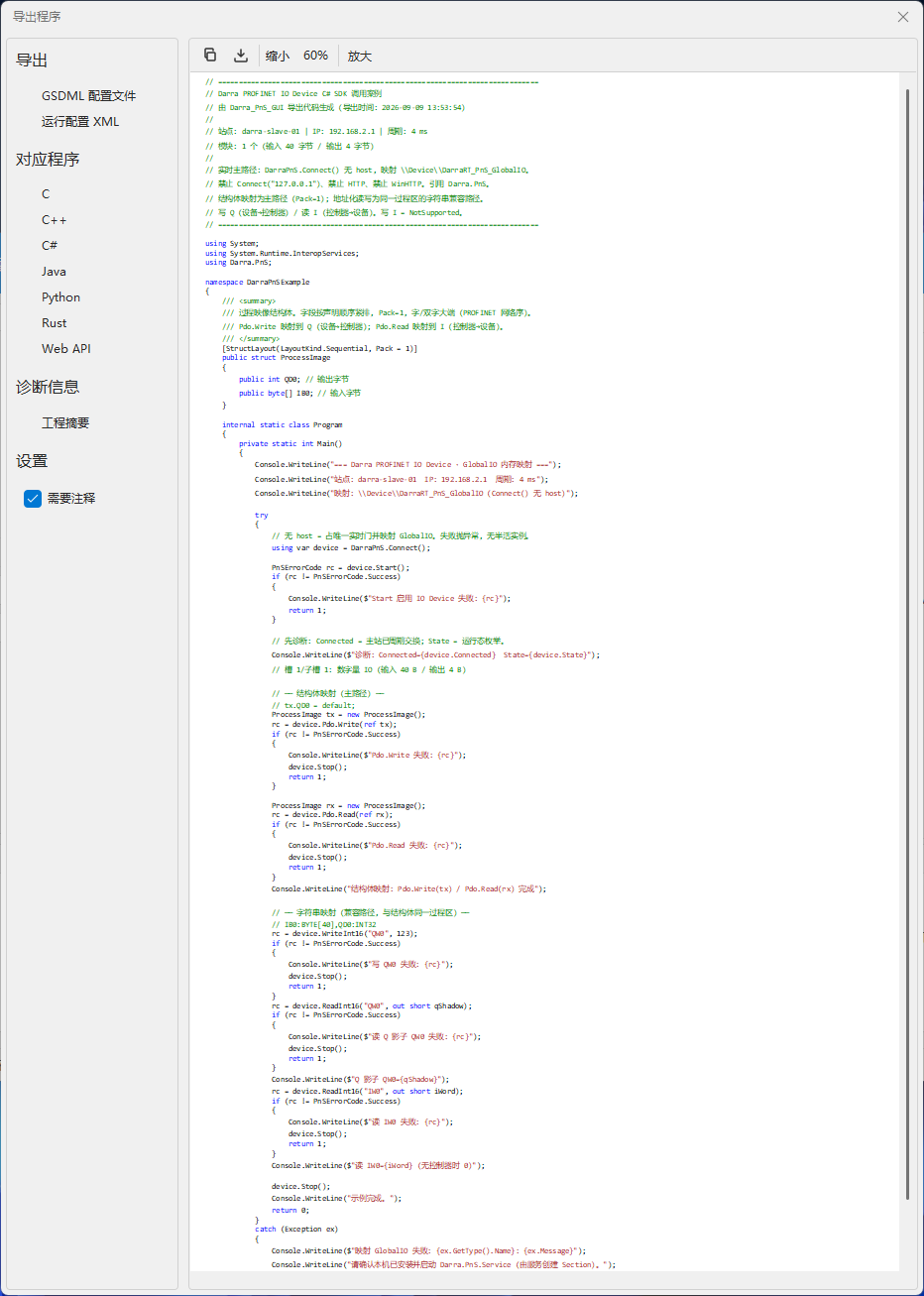
The configuration tool can export examples of the same caliber: